

Desktop users
If you’re using Comfy Desktop, ComfyUI-Manager is already included and enabled by default. No additional installation is required.Portable users
For users running the Windows Portable version, the new ComfyUI-Manager is built into ComfyUI core but needs to be enabled.-
Install the manager dependencies:
-
Launch ComfyUI with the manager enabled:
Manual install users
For users with a manual installation, the new ComfyUI-Manager is built into ComfyUI core but needs to be enabled.-
Activate your virtual environment:
-
Install the manager dependencies:
-
Enable the manager with the
--enable-managerflag when running ComfyUI:
Command line options
Switch between new and legacy UI
The following version updates only support pip installations. Versions installed via custom nodes do not support switching to the new UI.- Non-Desktop users
- Desktop users
To use the new UI:To use the legacy UI:
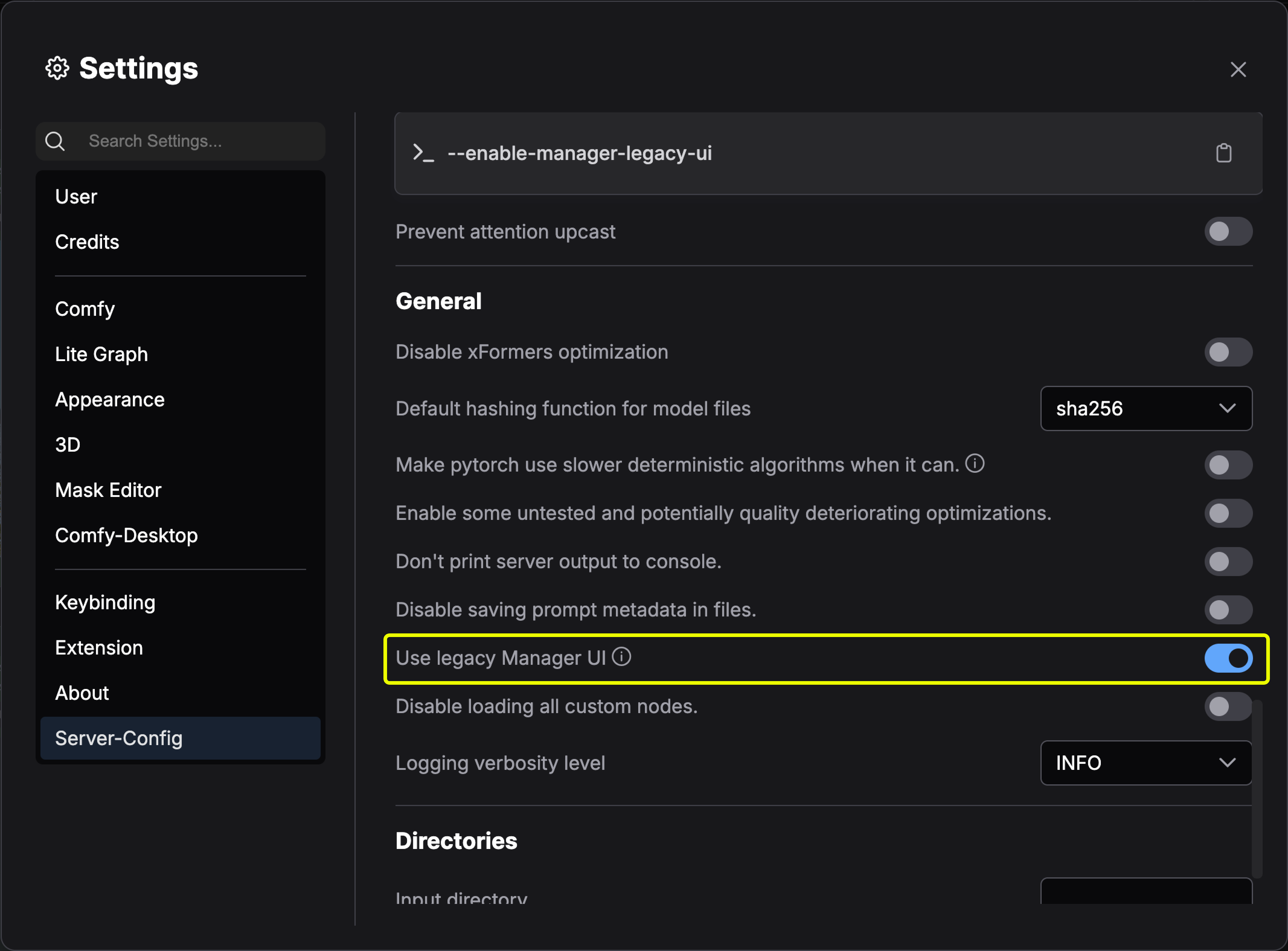
Legacy installation methods
Method 1: Git clone (general installation)
Method 1: Git clone (general installation)
To install ComfyUI-Manager in addition to an existing installation of ComfyUI:
- Navigate to
ComfyUI/custom_nodesdirectory in terminal - Clone the repository:
- Install the manager dependencies:
- Restart ComfyUI
Method 2: Portable version (Windows)
Method 2: Portable version (Windows)
- Install Git for Windows (standalone version, select “use windows default console window”)
- Download install-manager-for-portable-version.bat into your
ComfyUI_windows_portabledirectory - Double-click the batch file to install
Method 3: comfy-cli (recommended for new installations)
Method 3: comfy-cli (recommended for new installations)
comfy-cli provides various features to manage ComfyUI from the CLI.Prerequisites: Python 3, GitWindows:Linux/macOS:See also: comfy-cli documentation
Method 4: Linux + venv
Method 4: Linux + venv
Prerequisites: python-is-python3, python3-venv, git
- Download install-comfyui-venv-linux.sh into an empty install directory
- Run:
- Execute ComfyUI with
./run_gpu.shor./run_cpu.sh